Converting still photos into Parallax Videos with DepthFlow
A couple of days ago, I saw a beautiful video on Instagram that is probably taken with a drone. I take lots of photographes during my travels. So I wondered whether I can convert some of my photographes into short videos as if they're recorded by a drone, in the age of ai.
I also wanted to do these processes locally on my computer. Then, I found DepthFlow, an open source project for generating 3d parallax videos out of images.
Installing DepthFlow
First of all, I've done all these work on Linux Mint. DepthFlow can be installed using pip.
First, create a directory, then I create and activate a virtual environment:
python3 -m venv .venv
source .venv/bin/activate
Then install DepthFlow:
python -m pip install --upgrade pip
python -m pip install depthflow
DepthFlow also requires FFmpeg for video encoding. On Linux Mint, it can be installed using:
sudo apt install ffmpeg
To launch the program:
depthflow main
The program opens a default picture and you can drag the picture to see parallax effect using mouse.
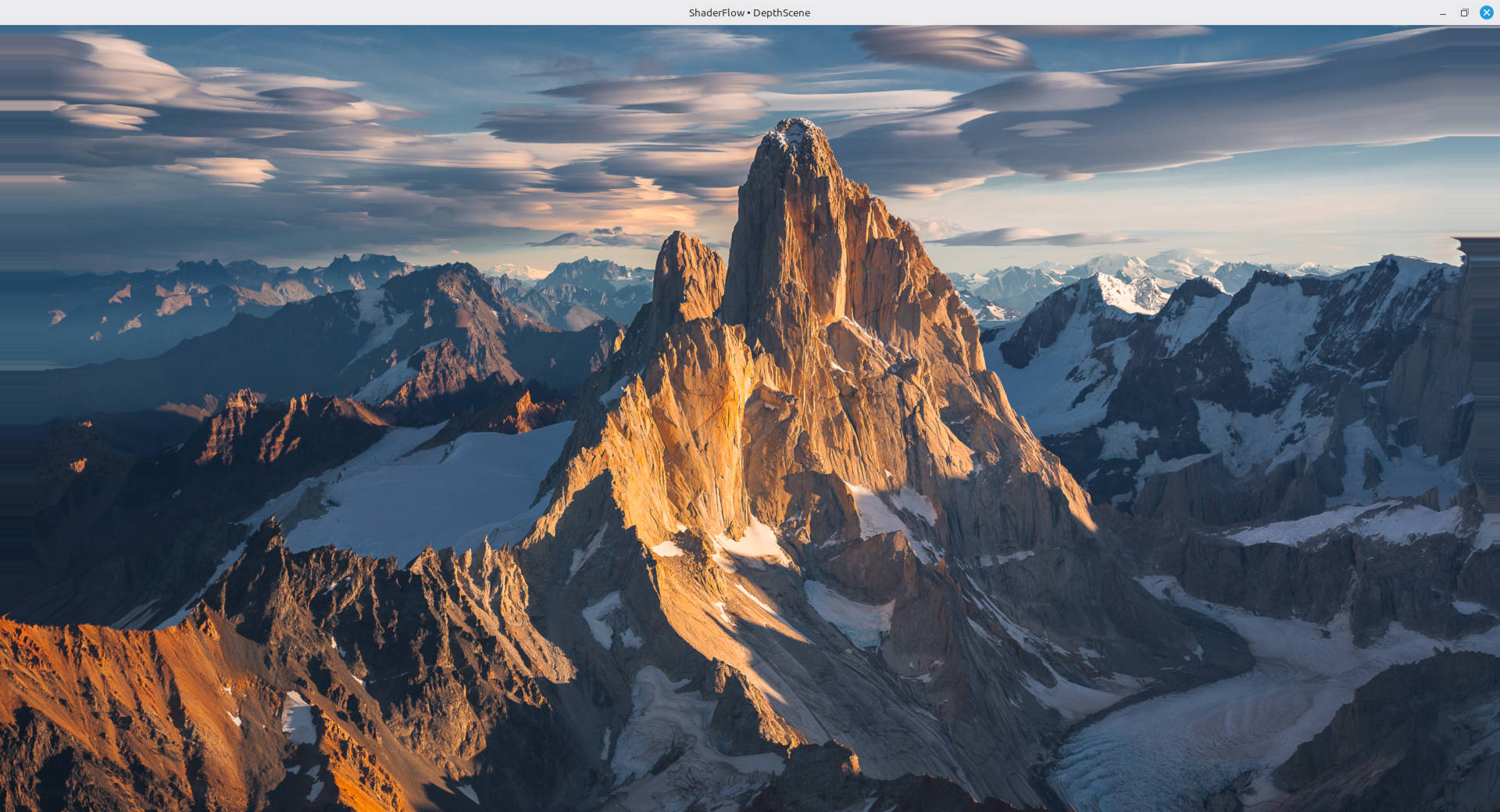
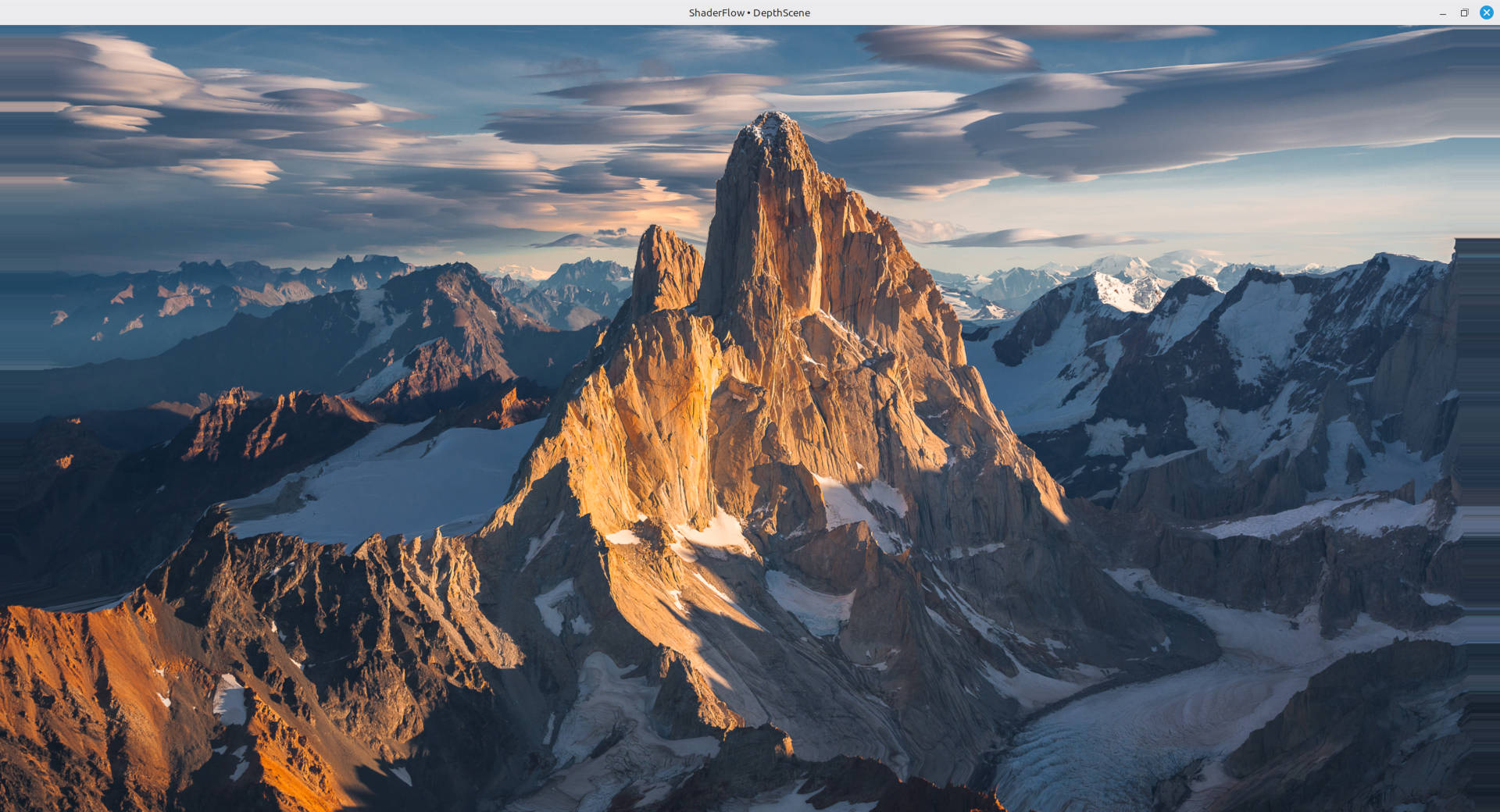
I have a NVIDIA GeForce RTX 4070 SUPER gpu. At first, the window was very laggy because the program was not using nvidia gpu:
│0'00.273├┤info │ OpenGL Renderer: AMD Ryzen 7 9800X3D 8-Core Processor
(radeonsi, raphael_mendocino, LLVM 20.1.2, DRM 3.64, 7.0.0-42-generic)
My system was using an open source nouveau driver. To check the available drivers:
ubuntu-drivers devices
I installed the recommended version and restarted the pc but OpenGL was still using amd processor. To fix it, I used Nvidia Prime Render Offload.
__NV_PRIME_RENDER_OFFLOAD=1 __GLX_VENDOR_LIBRARY_NAME=nvidia depthflow main
There is no lag anymore.
Creating a video
When running DepthFlow for the first time, it will download a model called DepthAnythingV2 small. This is a monocular depth estimation model. It takes an image and predicts a depth value for each pixel.
I created videos using the presets.py file which is under the examples folder of library directory. I changed it according to my needs. To get a drone-like effect, I added this class into the presets.py file:
@define
class Horizontal2(DepthScene):
    """5 saniyede soldan sağa tek yönlü parallax"""

    def update(self):
        progress = min(max(self.time / 10.0, 0.0), 1.0)

        start_x = -0.40
        end_x = 0.40

        x = start_x + (end_x - start_x) * progress

        self.state.offset = (x, 0.0)
        self.state.isometric = 0.60
        self.state.steady = 0.30
And main:
if __name__ == "__main__":
    scene = Horizontal2()
    scene.input(image="DSC_5712.JPG")
    scene.main(output="video_5712_default_model.mp4",
    width=1000,
    height=1500,
    fps=30,
    time=10)
This creates a 10 seconds video with the default model. To create a video using nvidia gpu:
__NV_PRIME_RENDER_OFFLOAD=1 __GLX_VENDOR_LIBRARY_NAME=nvidia python presets.py
The picture:
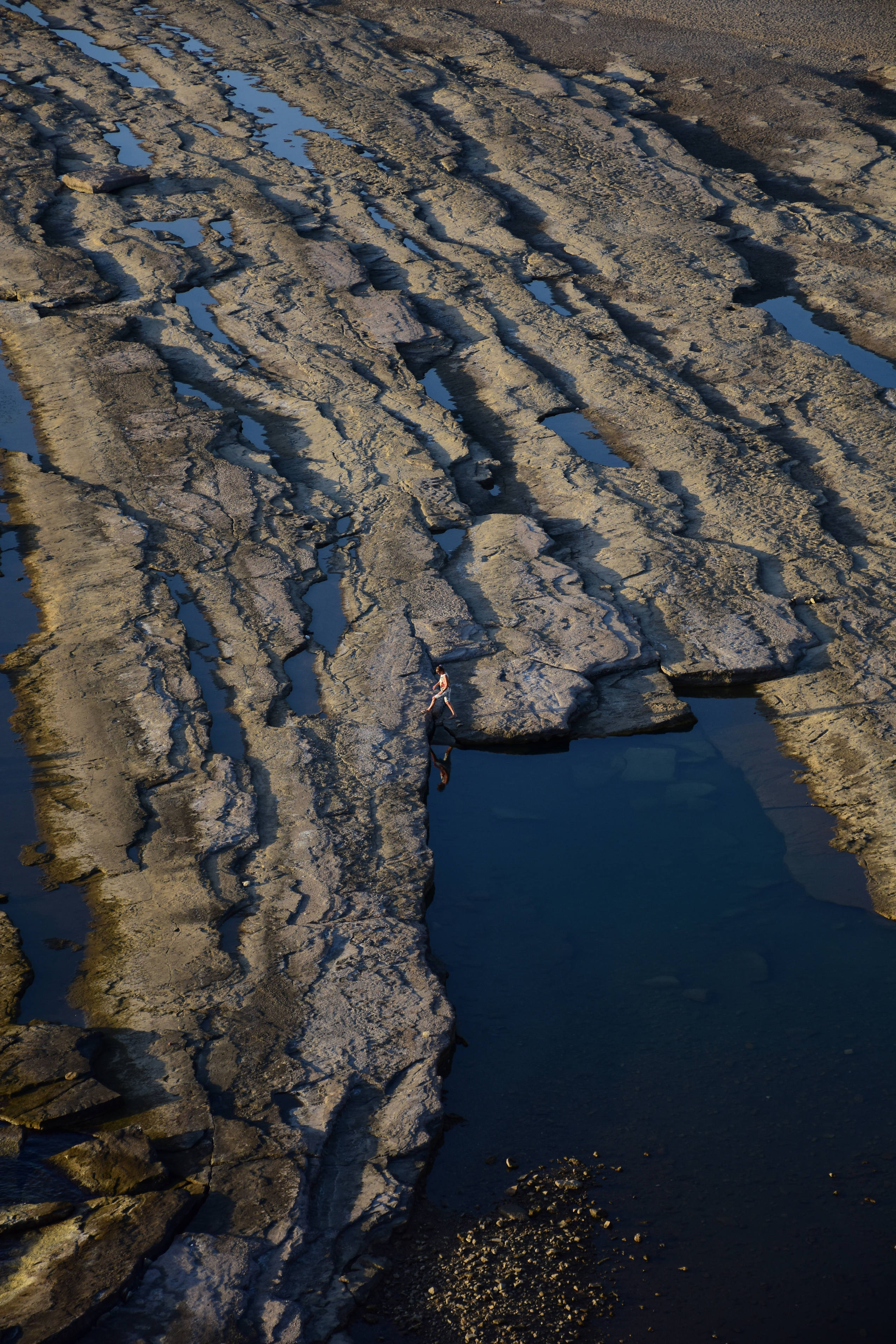
The output:
The parallax video output is actually quite good. The image pans smoothly from left to right. However, at the very beginning of the camera movement, the person's head appears to be tilted unnaturally far forward. That's why I decided to experiment with other models.
To execute the script using large model we can change the main:
if __name__ == "__main__":
    scene = Horizontal2()
    scene.estimator = DepthAnythingV2(model="large")
    scene.input(image="DSC_5712.JPG")
    scene.main(output="video_5712_default_large_model.mp4",
    width=1000,
    height=1500,
    fps=30,
    time=10)
The result is similar:
At this point, I wanted to try an external model. While DepthFlow doesn't support an external model directly in the code, it accepts external depth map file. Thus, we can create a depth map using a model and give it to depthflow.
DepthAnything3 DA3MONO-Large
This is another monocular depth estimation model.
Create another directory if you want to try it and clone the project:
git clone https://github.com/ByteDance-Seed/Depth-Anything-3.git
Create a new viritual environment fo python in the directory and activate it:
python3 -m venv .venv
source .venv/bin/activate
Then:
python -m pip install -e .
During an earlier attempt, I encountered package configuration issues. Later, when importing the API, I received:
ModuleNotFoundError: No module named 'addict'
I resolved that particular dependency error with:
python -m pip install addict
Then I generated this code using ai to get a depth map using this model:
generate_depth.py
import sys
import numpy as np
import torch

from PIL import Image
from depth_anything_3.api import DepthAnything3

image_path = sys.argv[1]
output_path = sys.argv[2]

model = DepthAnything3.from_pretrained(
    "depth-anything/DA3MONO-LARGE"
).to("cuda")

prediction = model.inference([image_path])

depth = np.asarray(prediction.depth[0], dtype=np.float32)
depth = np.squeeze(depth)

valid = np.isfinite(depth) & (depth > 0)

if not np.any(valid):
    raise RuntimeError("Could not find a valid depth value")

near = np.percentile(depth[valid], 2)
far = np.percentile(depth[valid], 98)

normalized = np.clip(
    (depth - near) / max(far - near, 1e-6),
    0,
    1
)

# DepthFlow: closer = white, far away = black
depth_image = ((1.0 - normalized) * 255).astype(np.uint8)
depth_image[~valid] = 0

with Image.open(image_path) as original:
    size = original.size

result = Image.fromarray(depth_image, mode="L")
result = result.resize(size, Image.Resampling.BICUBIC)
result.save(output_path)

print(f"Depth map is created: {output_path}")
This script takes to parameters, file_path and output_path:
python generate_depth.py DSC_5712.JPG DSC_5712_map.png
The depth map of the picture:
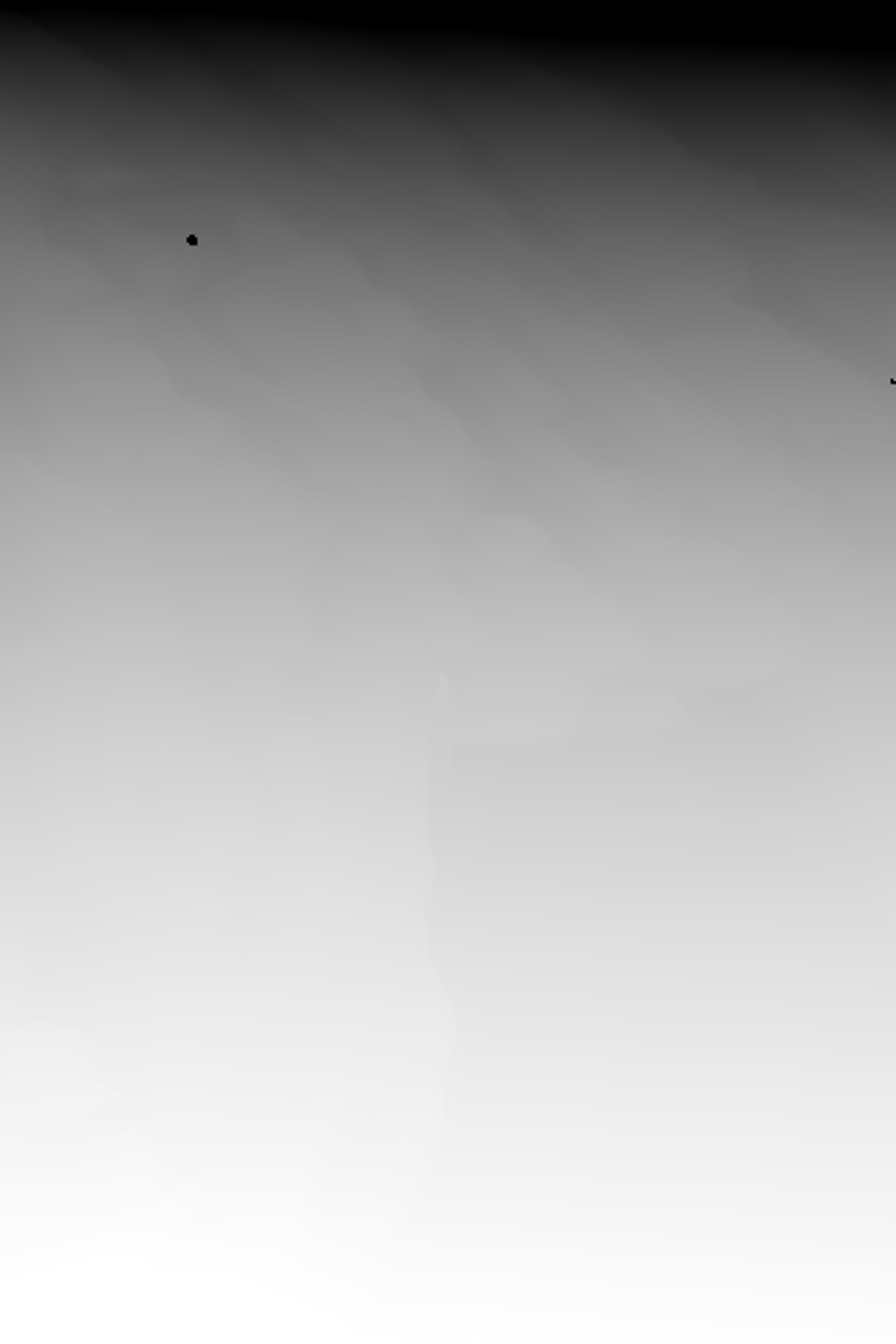
To get an output using this map, copy this map into the same folder with presets.py file and then change the main:
if __name__ == "__main__":
    scene = Horizontal2()

    scene.input(image="DSC_5712.JPG", depth="DSC_5712_depth_anything_3_da3mono_large_map.png")
    scene.main(output="DSC_5712_depth_anything_3_da3mono_large_video.mp4",
    width=1000,
    height=1500,
    fps=30,
    time=10)
The result is not so good:
Then I decided to use another model.
Microsoft's MoGe-2
This model doesn't estimate relative depth. MoGe predicts scene geometry. To use this model
Create another directory and clone the repository:
git clone https://github.com/microsoft/MoGe.git
Create and activate virtual environment:
python3 -m venv .venv
source .venv/bin/activate
Install the project:
python -m pip install --upgrade pip
python -m pip install -e .
To create depth output:
moge infer \
  --input my_files/DSC_5712.JPG \
  --version v2 \
  --pretrained Ruicheng/moge-2-vitl \
  --device cuda \
  --fp16 \
  --output my_files/output \
  --maps
But I encountered a problem when I execute this command:
cv2.error: could not find a writer for the specified extension
To enable OpenEXR support:
OPENCV_IO_ENABLE_OPENEXR=1 moge infer \
  --input my_files/DSC_5712.JPG \
  --version v2 \
  --pretrained Ruicheng/moge-2-vitl \
  --device cuda \
  --fp16 \
  --output my_files/output \
  --maps
I still got the same error and I had to install another version of OpenCV with EXR support.
When I run this command:
python -m pip list | grep -i opencv
Result: opencv-python-headless 5.0.0.93
Because OpenCV 5 doesn't contain OpenEXR source code, I uninstalled this version and installed another one with OpenEXR:
python -m pip uninstall -y opencv-python-headless
python -m pip install "opencv-python-headless==4.11.0.86"
Then we can run the command again:
OPENCV_IO_ENABLE_OPENEXR=1 moge infer \
  --input my_files/DSC_5712.JPG \
  --version v2 \
  --pretrained Ruicheng/moge-2-vitl \
  --device cuda \
  --fp16 \
  --output my_files/output \
  --maps
Now we have an exr file under output/DSC_5712/. To convert it into a depth map I tried a couple of python code and with this one I got a good result:
exr_to_depthflow.py
import os
import sys

os.environ["OPENCV_IO_ENABLE_OPENEXR"] = "1"

import cv2
import numpy as np


def convert_exr_to_depthflow(input_path, output_path):
    depth = cv2.imread(input_path, cv2.IMREAD_UNCHANGED)

    if depth is None:
        raise RuntimeError(f"EXR dosyası okunamadı: {input_path}")

    if depth.ndim == 3:
        depth = depth[:, :, 0]

    depth = depth.astype(np.float32)

    valid = np.isfinite(depth) & (depth > 0)

    if not np.any(valid):
        raise RuntimeError("Geçerli derinlik değeri bulunamadı")

    near, far = np.percentile(depth[valid], [2, 98])

    if far <= near:
        raise RuntimeError("Derinlik aralığı geçersiz")

    inverse = 1.0 / np.maximum(depth, 1e-6)

    near_inv = 1.0 / near
    far_inv = 1.0 / far

    normalized = np.clip(
        (inverse - far_inv) / (near_inv - far_inv),
        0,
        1
    )

    normalized[~valid] = 0.0

    depth_png = (normalized * 255).astype(np.uint8)

    if not cv2.imwrite(output_path, depth_png):
        raise RuntimeError(f"PNG kaydedilemedi: {output_path}")

    print(f"Depth map: {output_path}")
    print(f"Near: {near:.4f}, Far: {far:.4f}")
    print(f"Resolution: {depth.shape[1]}x{depth.shape[0]}")


if __name__ == "__main__":
    if len(sys.argv) != 3:
        print("Usage: python exr_to_depthflow.py input.exr output.png")
        sys.exit(1)

    convert_exr_to_depthflow(sys.argv[1], sys.argv[2])
To get the map, run:
python exr_to_depthflow.py output/DSC_5712/depth.exr DSC_5712_moge_depth_map.png
The result:
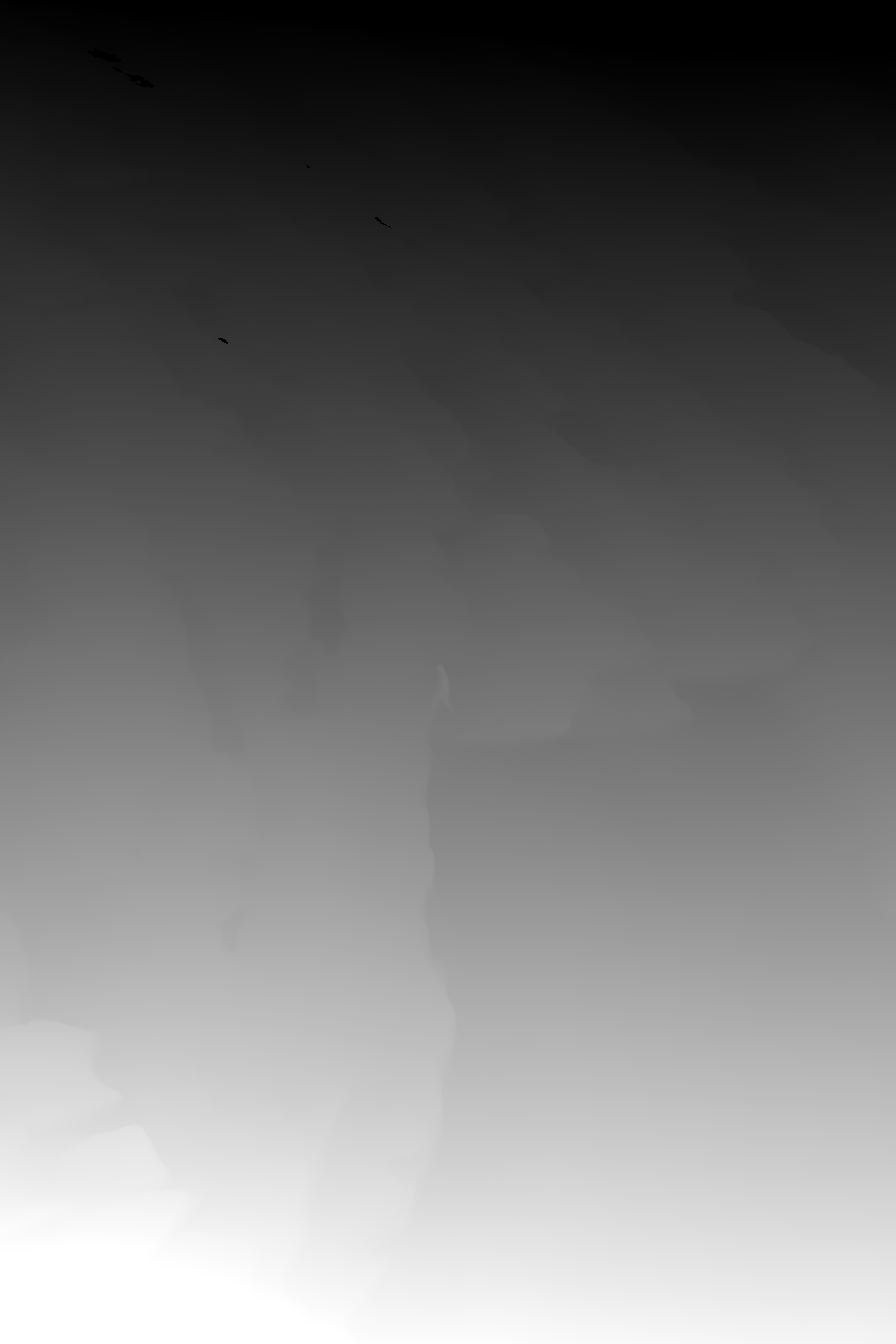
You can see that there is a lot of detail in this depth map.
Then, using this map, I created a new video with depthflow and the result is actually great.